
Guides
Short, practical walkthroughs for levelling up a Steam profile: pricing a level up, trading our bots directly, and turning skins and items into level up sets.
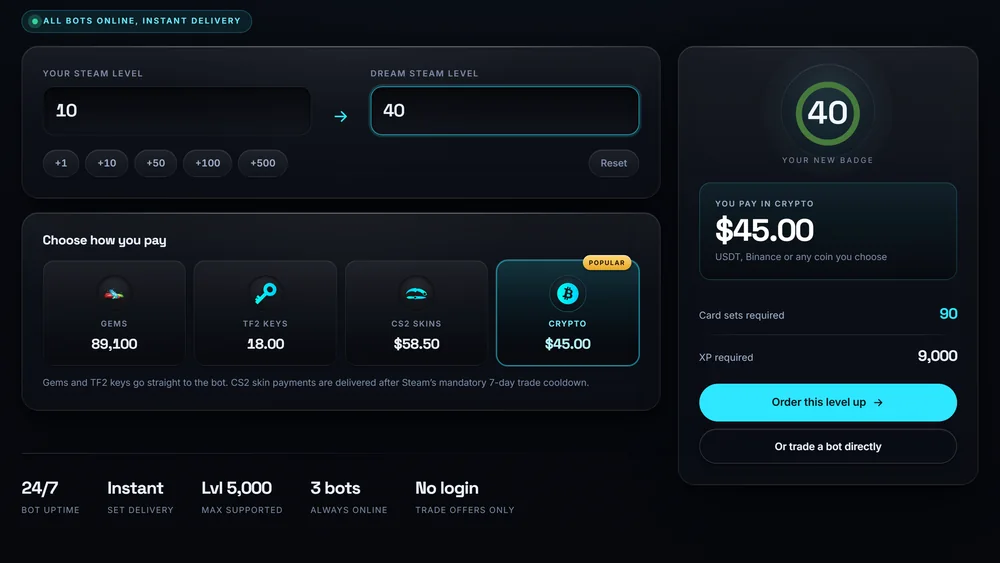
How to use Steam Levels Up
Work out the exact card sets and XP for your target level, see what each level unlocks, and place an order.
Read the guide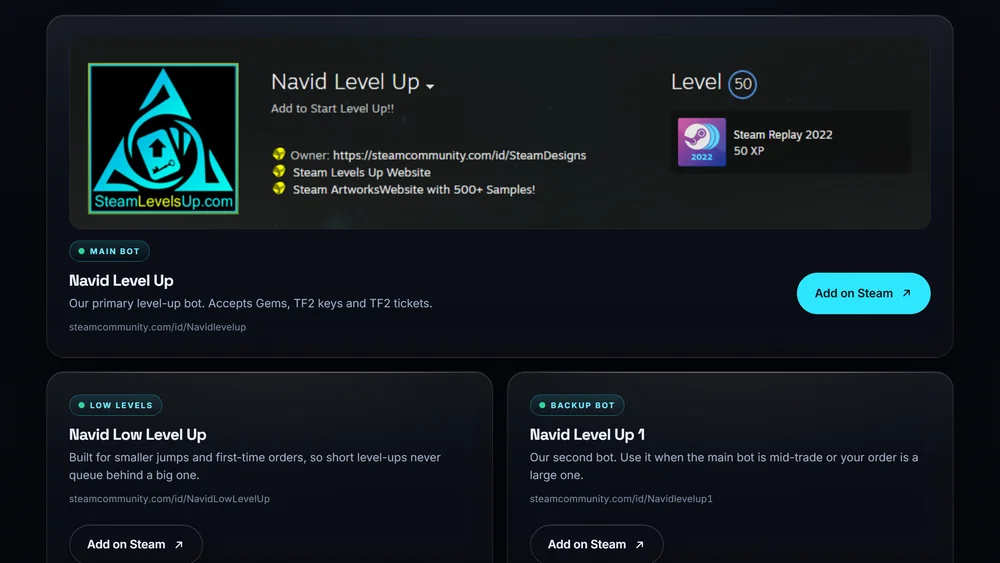
How to trade our bot directly
Skip the form. Add a bot on Steam, send the trade, and get your level up sets back in the same session.
Read the guide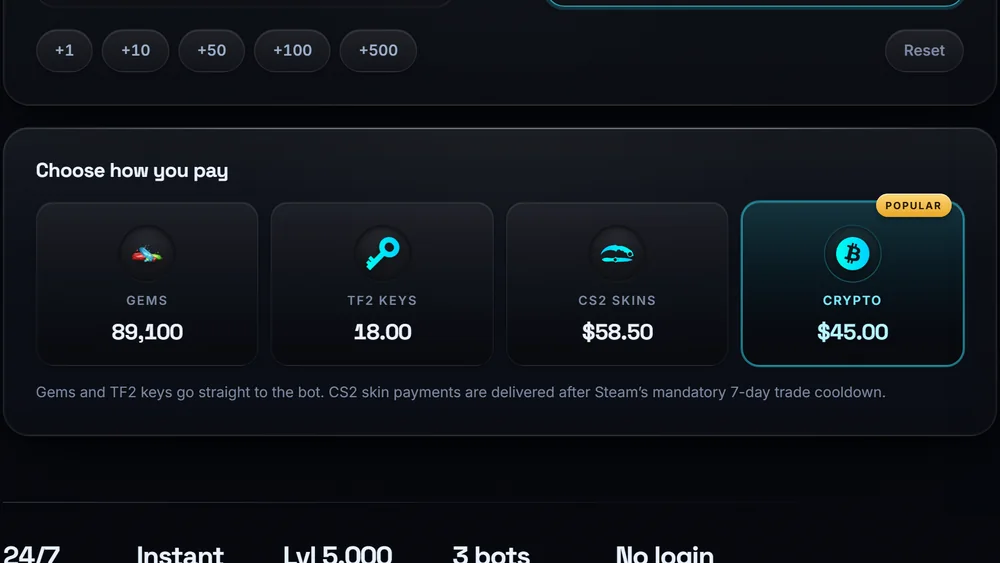
Exchange CS2 skins and Steam items
Turn CS2 skins, Gems and TF2 keys into level up sets, including how the 7 day skin cooldown works.
Read the guide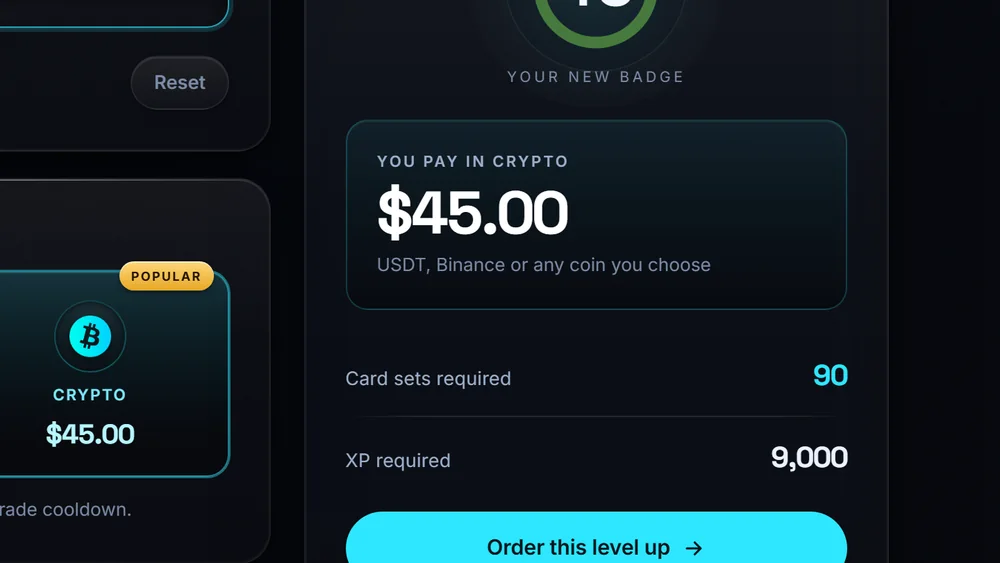
How many card sets per Steam level?
The XP maths behind Steam levels, with a table of the exact sets needed to reach every milestone.
Read the guide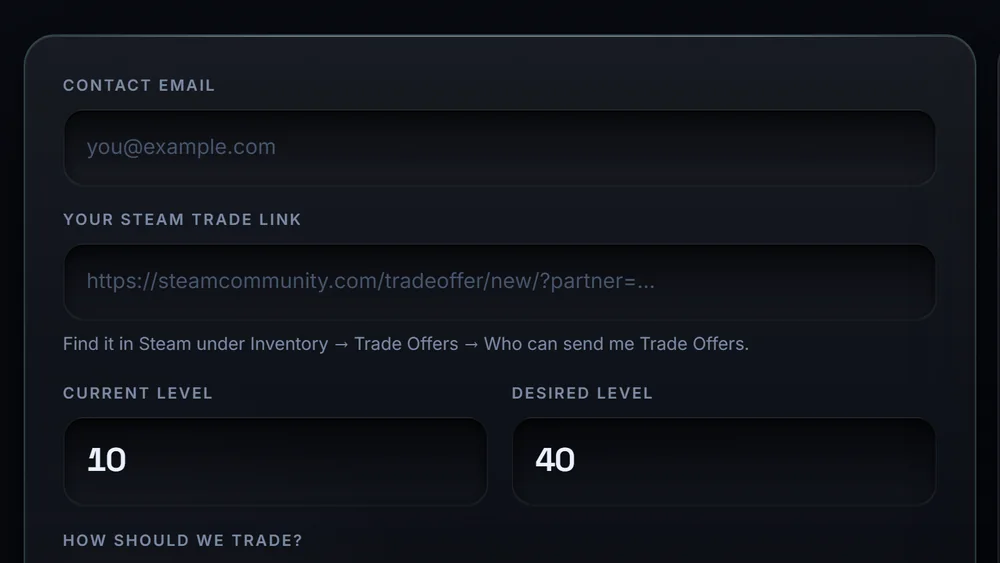
How to find your Steam trade URL
Where the trade URL lives, what it does and does not give away, and how to reset it.
Read the guide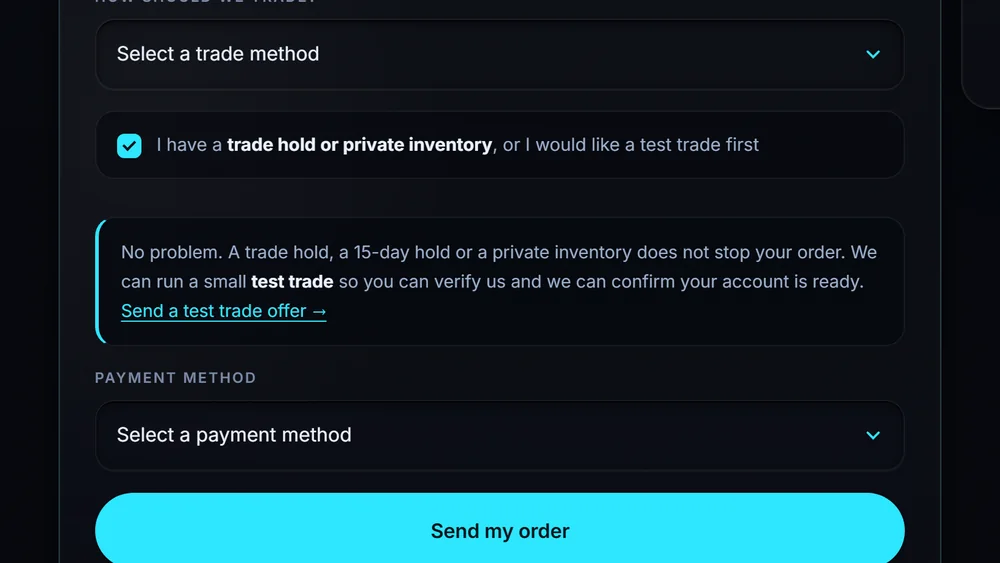
Steam trade holds and escrow
Why a trade gets held for up to 15 days, how the mobile authenticator removes it, and how we work around a hold.
Read the guide
Set up a Steam artwork showcase
Unlock showcase slots, upload artwork, and turn a high level into a profile that actually looks the part.
Read the guideArtwork that matches the level
A high level looks better with a profile to match. NavidArtworks designs animated showcases, artwork grids, avatars and frames, usually turned around in about an hour.
Browse the shop