
If you would rather not fill in a form, you can trade one of our bots directly on Steam. They run around the clock, and most orders are finished inside a single chat.
What the bots accept
All three bots take the same items:
- Steam Gems
- TF2 keys
- TF2 tickets
Paying in CS2 skins or crypto instead? Those go through the order form so we can check the account and send you the right address.
Which bot to add
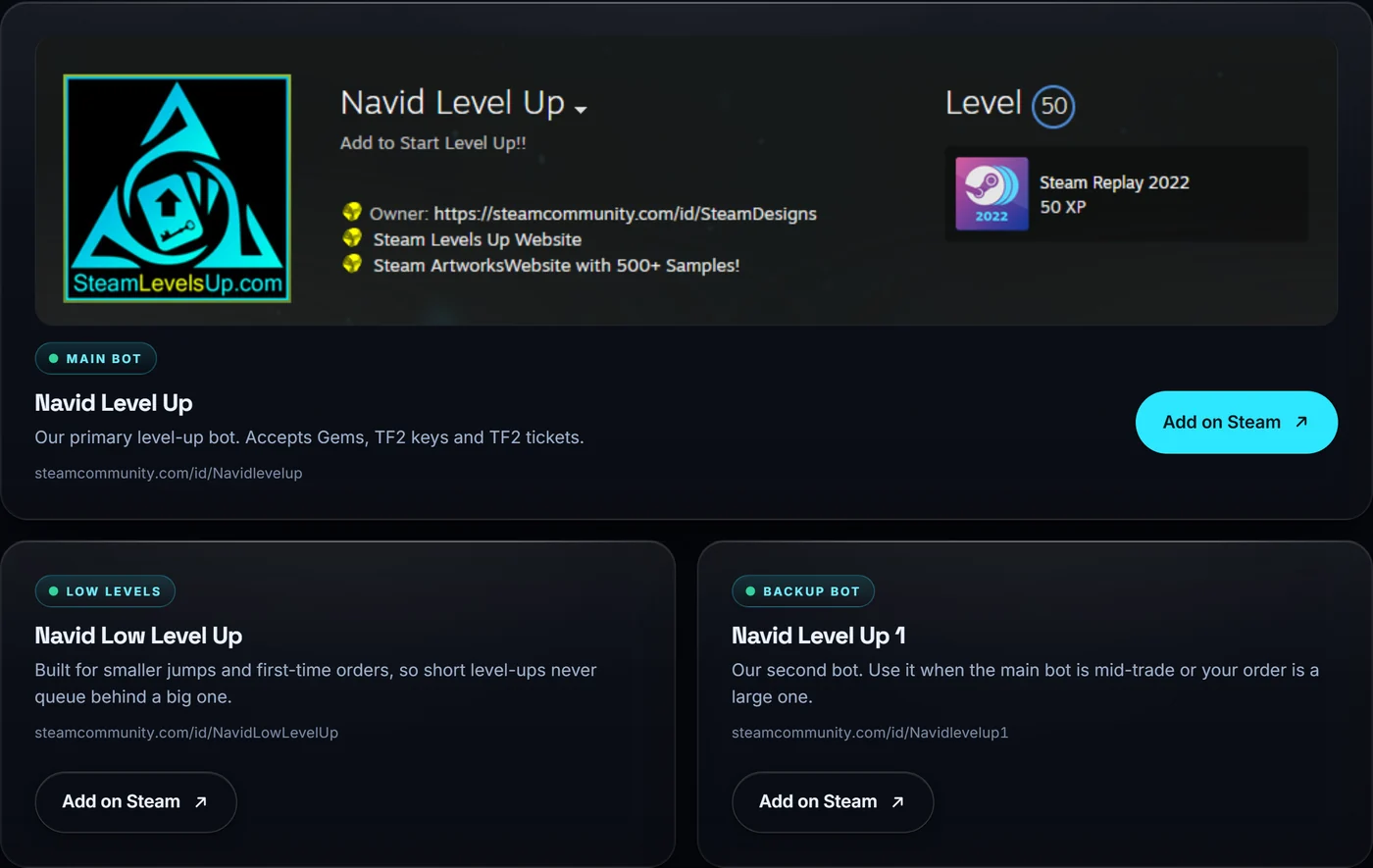
- Navid Level Up is our primary bot and the one we link to by default. steamcommunity.com/id/Navidlevelup
- Navid Low Level Up steamcommunity.com/id/NavidLowLevelUp
- Navid Level Up 1 steamcommunity.com/id/Navidlevelup1
All three accept the same items, so add whichever suits you. If you are not sure which to use, message NavidArtworks and we will point you at the right one.
Step by step
- Price the order first Run your levels through the calculator so you know how many sets you need and what they cost.
- Add the bot on Steam Open the bot profile and send a friend request.
- Start a chat Message the bot and follow the instructions it replies with.
- Send the trade Trade your Gems, TF2 keys or tickets. Always check the trade window before confirming.
- Get your sets and craft The sets come back in the same session. Craft the badges and your level climbs.
Selling instead of buying? The bots also buy existing Steam card sets. Start a chat and say what you have.
Staying safe
We only ever use standard Steam trade offers. Nobody at Steam Levels Up will ask for your password, your Steam Guard code or access to your account, and you should refuse anyone who does. Check the profile URL matches one of the three above before you trade, since impersonators are common on Steam.
Unsure about anything, or think you are talking to a fake? Message the owner directly at NavidArtworks on Steam and we will confirm.